Chủ Nhật, 2 tháng 11, 2014

Wallpaper of the Week - ABDZ Paper

Wallpaper of the Week - ABDZ Paper

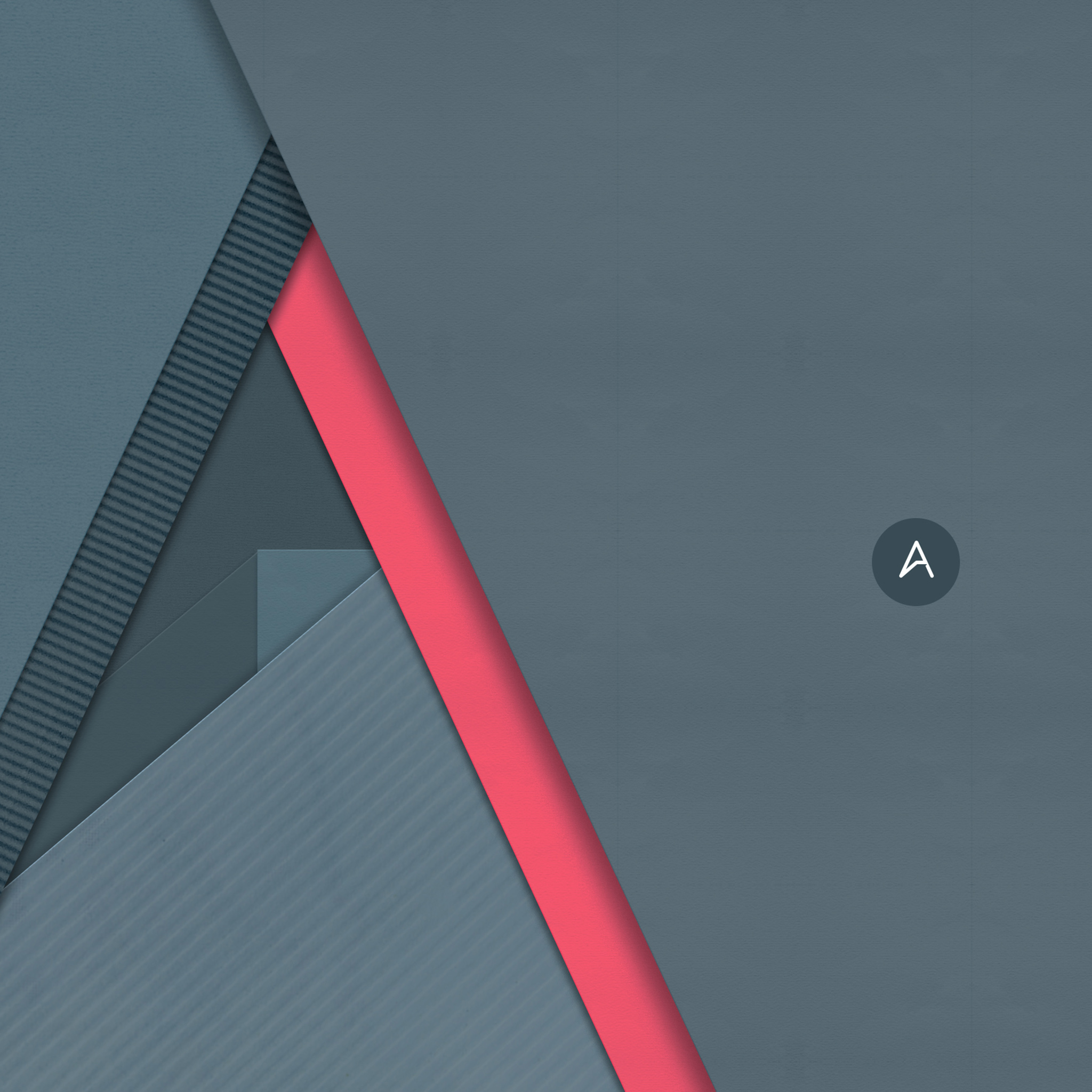
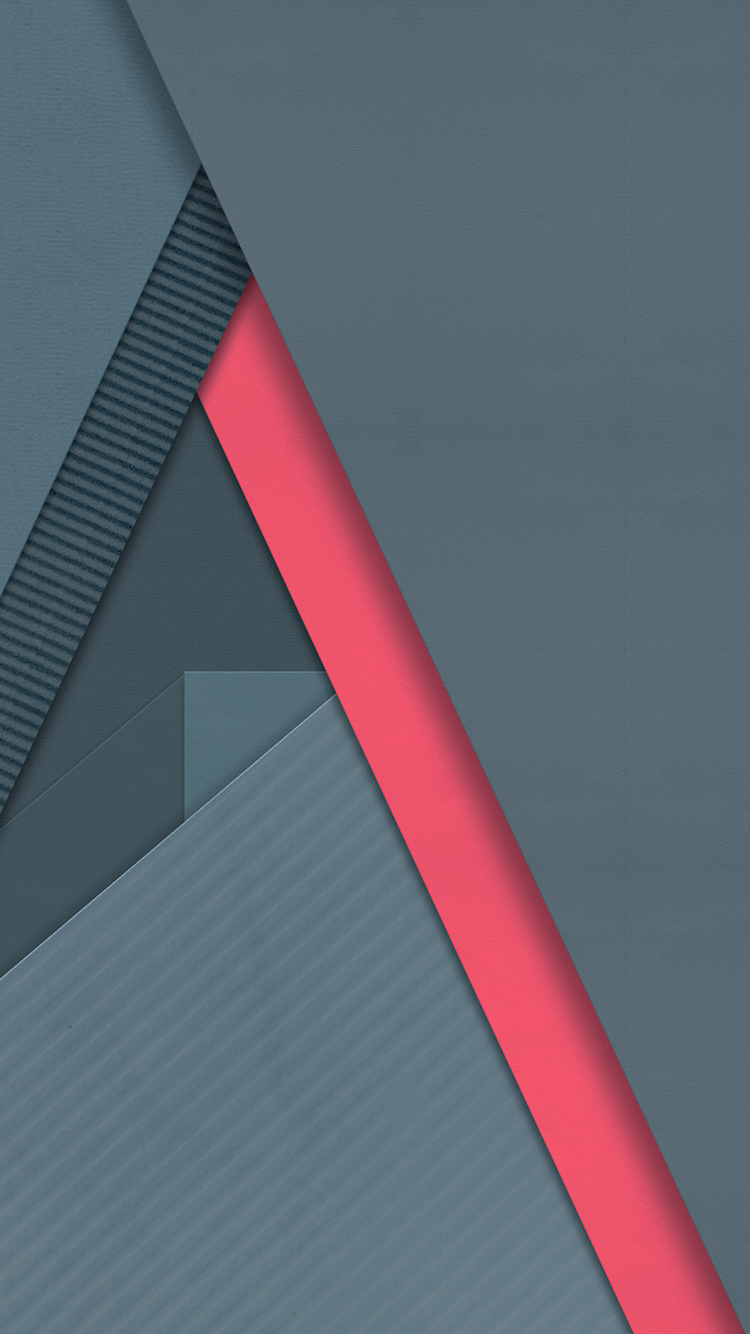
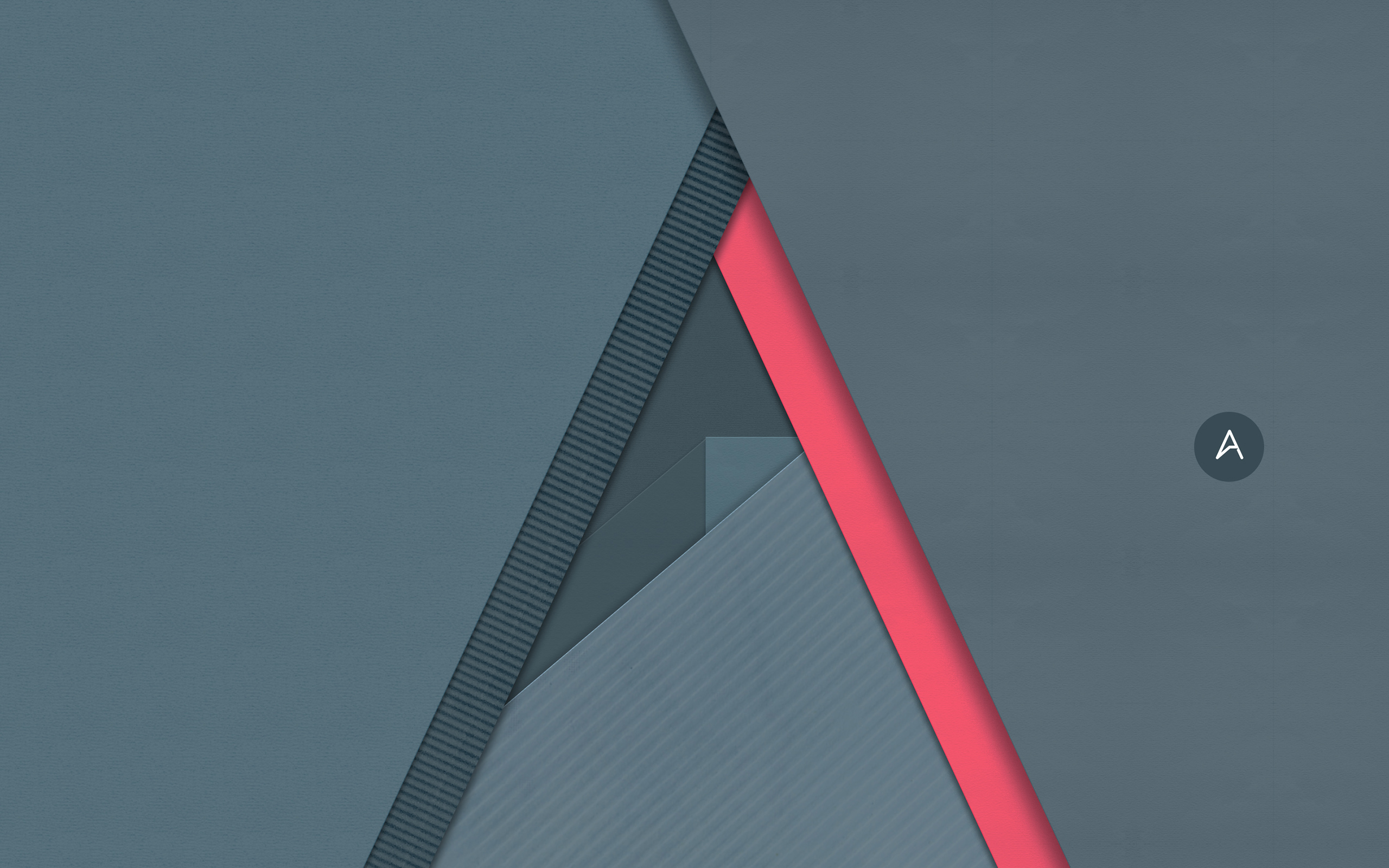
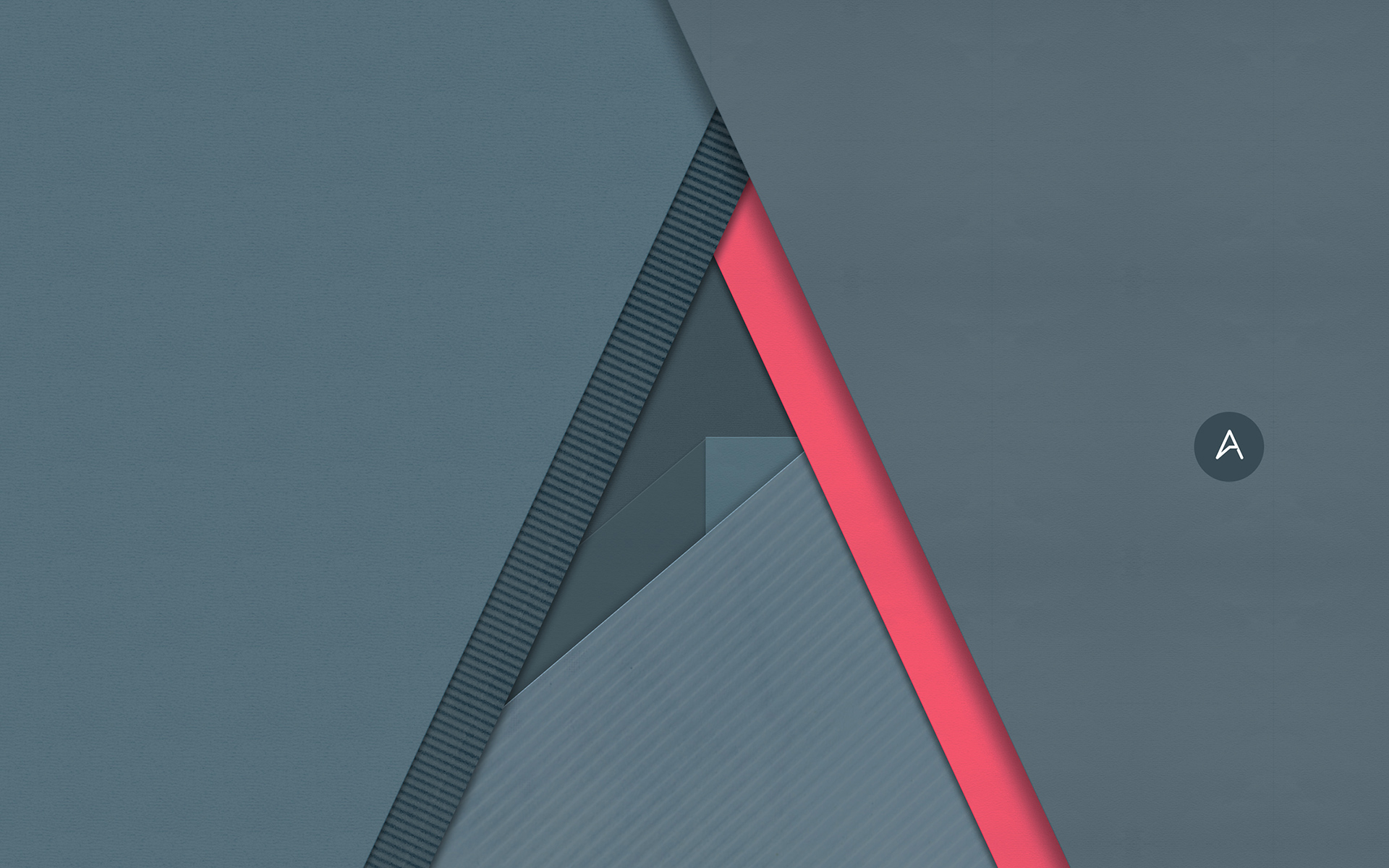
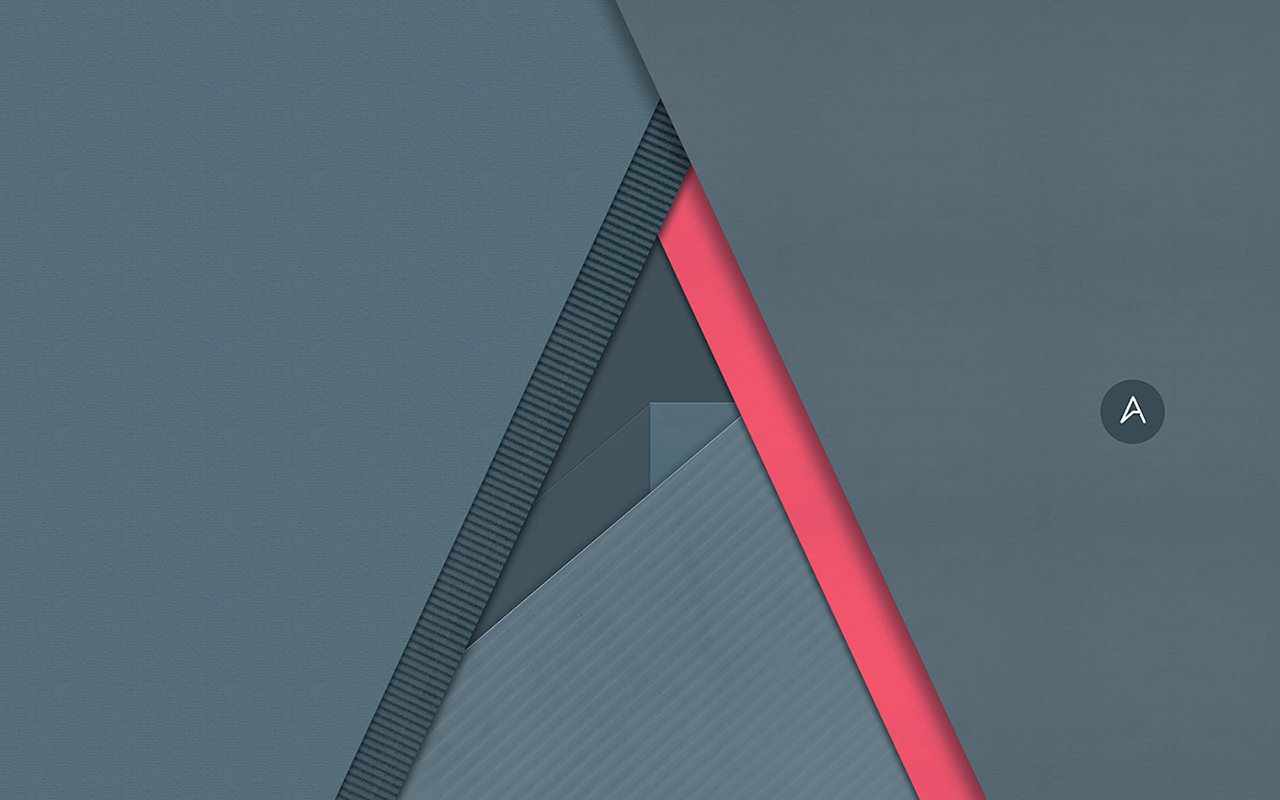
The wallpaper of this week is an imaged created inspired by Google Material Design visual design language. It's a simple composition simulating sheets of paper that create the Abduzeedo symbol. We will post a little tutorial showing how we achieved that.

Bold, graphic, and intentional imagery helps to engage the user. Imagery is more than decoration. It’s a powerful tool to help you communicate and differentiate your product. Whether the mood is subdued and muted or bright and colorful, the following principles and best practices can help you incorporate imagery successfully and bring your apps to life, no matter what the visual brand. - Google Material Design spec

Abduzeedo's wallpaper of the week by Abduzeedo
Desktop Version

Abduzeedo's iPad wallpaper of the week by Abduzeedo
iPad Version

Abduzeedo's iPhone wallpaper of the week by Abduzeedo
iPhone Version

Resolutions:

Source : abduzeedo[dot]com

Chủ Nhật, 26 tháng 10, 2014

Wallpaper of the Week - Bokeh

Wallpaper of the Week - Bokeh

The wallpaper of this week is the first image created using a tablet, in this case the iPad using the new release Pixelmator app. I have been a fan of Pixelmator since the first release for mac back in the day and got a chance to play with the iPad version. It's an amazing piece of software for a bargain.

For more information check it out http://www.pixelmator.com/ipad/

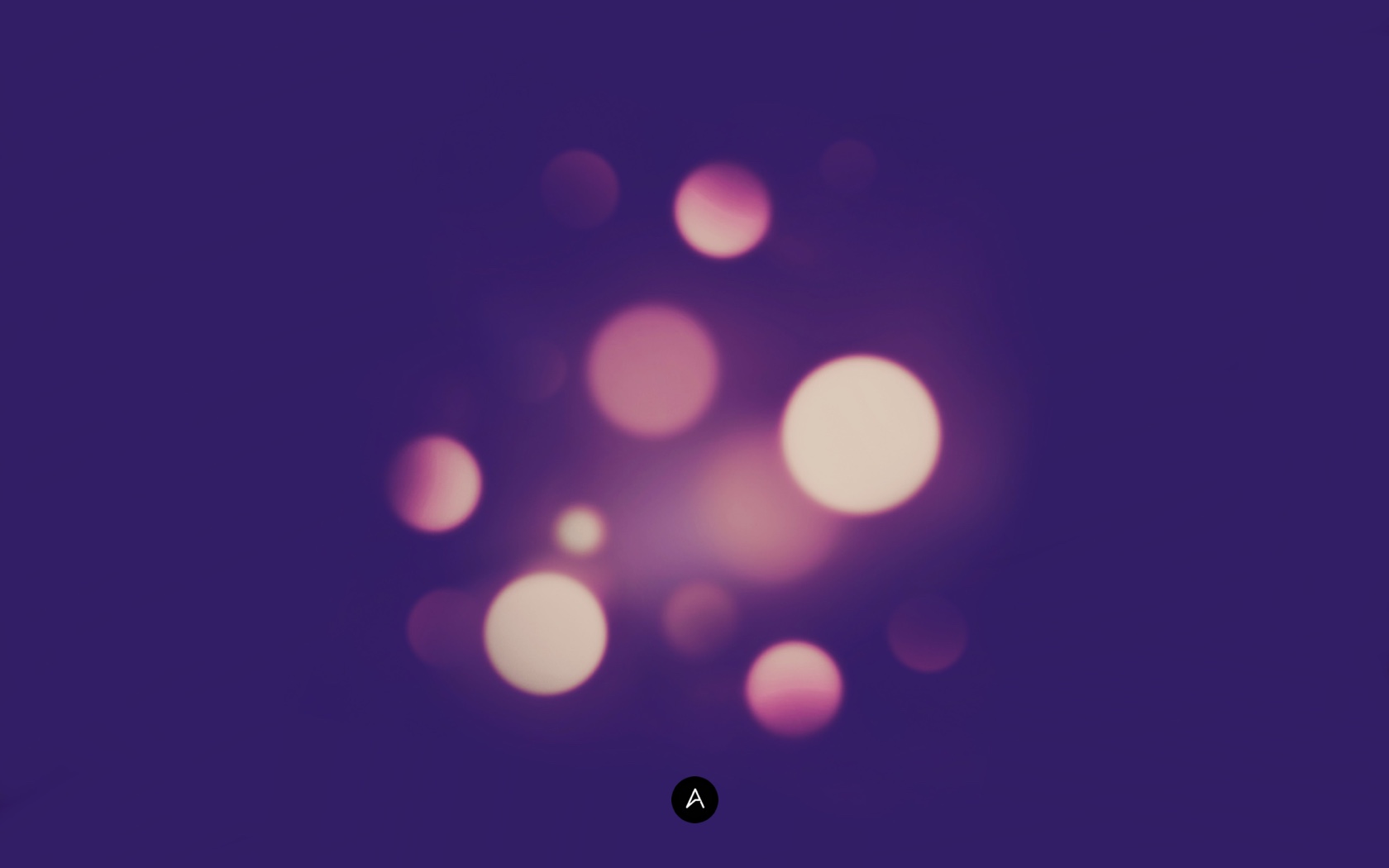
Abduzeedo's wallpaper of the week - Bokeh
Desktop Version

Abduzeedo's iPad wallpaper of the week - Bokeh
iPad Version

Abduzeedo's iPhone wallpaper of the week - Bokeh
iPhone Version

Resolutions:

Source : abduzeedo[dot]com

Thứ Tư, 22 tháng 10, 2014

10 free vintage labels and badges packs

Labels and badges are very popular elements in modern web. If you are designing a retro design then it’s not complete without a vintage label. Badges are very powerful to use in promotional and marketing tactics. There are several areas where you can use them. If you have special offer or item on sale then badge is best to engrave in.

If you are looking for some really cool and classic yet modern vintage labels and badges packs, then you reached the right place. Below we have the collection of 10 vintage labels and badges packs which you can use for your website design, special offer, product packaging or any marketing tactics. Have a look!

1. Premium Retro Design Badges

Premium Retro Design Badges has a set of 4 retro/vintage badges which is perfect for any promotional graphics or Call-to-action (CTA) buttons. These badges are made using Photoshop shape layers only, hence, these are fully scalable and easier to edit.

Premium Retro Design Badges

2. Blue and Brown Vintage Vector Badges

Blue and Brown Vintage Vector Badges are created by AviaT who always comes up with superb vintage vector badges.

Blue-Brown-Vintage-Vector-Badges

3. Vintage Vector Label Set

Vintage Vector Label Set is available here.

Vintage Vector Label Set

4. Colorful Vintage Vector Labels

Colorful Vintage Vector Labels are amazing collection of 12 web badges vector, designed by youthedesigner, which are perfect for your any web design projects.

Colorful Vintage Vector Labels

5. Retro Vector Label Set

Retro Vector Label Set is available here.

Retro Vector Labels

6. Blue Vintage Badges

Blue Vintage Badges are designed especially for blugraphic fans with a blue theme color. Some of these are little flat while others have a bold 3d effect. You can use it for your any promotional and marketing tactics.

Blue Vintage Badges

7. Green and Yellow Vintage Labels

Green and Yellow Vintage Labels are available here.

Green and Yellow Vintage Labels

8. Retro Vector Labels

If you want to refine your design and give it a nostalgic look, then Retro Vector Labels are the one for you.

Retro Vector Label Set

9. Vintage Design Badges

Vintage Design Badges are all vector graphics that come up in .esp file format. In order to open and modify this file, you will need a vector editing software such as Adobe Illustrator.

Vintage Design Badges

10. Vintage Coffee Labels and Design Elements

Vintage Coffee Labels and Design Elements are available here.

Vintage Coffee Labels and Design Elements


Source : designer-daily[dot]com

Giveaway: get 2 Developer subscriptions for your visitors from Elegant Themes

monarch-giveaway-square

For the launch of their amazing new WordPress plugin for social sharing, our friends at Elegant Themes are offering two developers account to Designer Daily’s readers. They do this to celebrate the launch of Monarch, their social media plugin for WordPress.

How to enter

You can enter by entering a comment explaining which theme or plugin you’d like to get from ElegantThemes.

About Monarch, the social sharing plugin

There are plenty plugins that allow you to add social media buttons to your web pages, but Monarch takes it much further. Like any product released by Elegant Themes, it has a flawless design, so you’ll be sure that the buttons look good and integrate well to your website.

On the following images, you can see a few of the top features of this plugin, for more, you should definitly check out the plugin on Elegant Themes. For a full view of the functionalities, check out their cool Youtube video.

monarch-design

monarch-dashboard

monarch-stats

monarch-popups

monarch-sidebar

Source : designer-daily[dot]com

Thứ Hai, 20 tháng 10, 2014

Wallpaper of the Week by Percolate

Wallpaper of the Week by Percolate

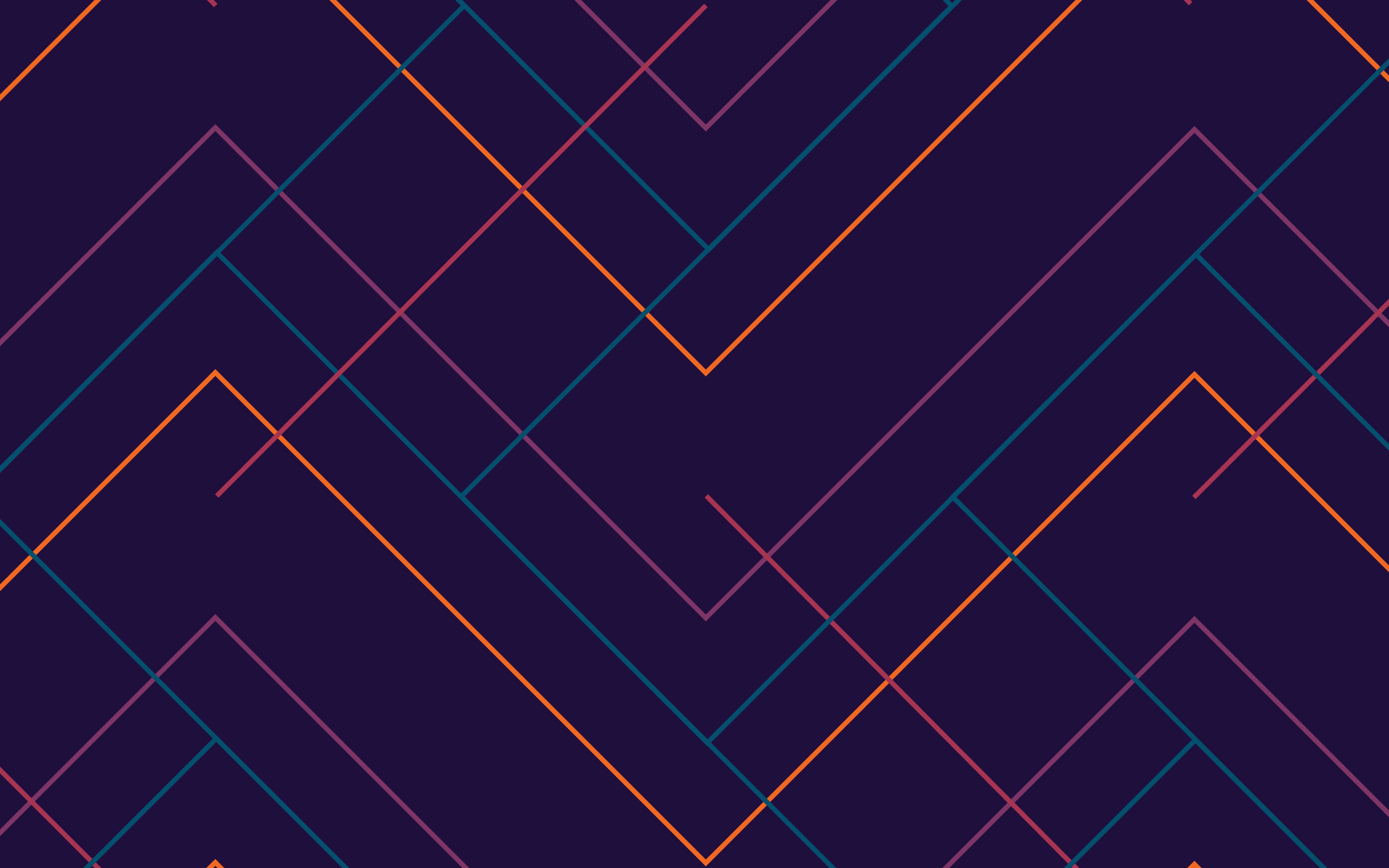
The wallpaper of this week is an amazing image created by Percolate and it's inspired by Google's new Material Design visual language. They sought to create sophistication and depth from a simple set of colors and patterns. The wallpapers also drew from textile design and since we sometimes make T-shirts of our patterns, they had to hold up equally well as fashion as they would a background.

For more information visit Percolate blog at https://blog.percolate.com/2014/08/percolate-style-android-l-wallpapers-...

Abduzeedo's wallpaper of the week by Percolate
Desktop Version

Abduzeedo's iPad wallpaper of the week by Percolate
iPad Version

Abduzeedo's iPhone wallpaper of the week by Percolate
iPhone Version

Resolutions:

Source : abduzeedo[dot]com

Thứ Tư, 3 tháng 9, 2014

Design deals for the week

Every week, we’ll give you an overview of the best deals for designers, make sure you don’t miss any by subscribing to our deals feed.

Become A Professional Web Developer from Scratch!

This course offers comprehensive teaching on basic & advanced programming languages that will help you stay in the race.

$29 instead of $199 – Get it now!

become-a-web-developer

Sharik Sans Typeface

Sharik Sans is a beautiful sans serif font with an elegant touch of calligraphy mixed in. With 9 different weights and 2 unique styles, it’s like getting 18 different typefaces in 1!

$24 instead of $290 – Get it now!

sharik2

Start a Freelance Design Career on WordPress

Whether you’re looking to bolster your existing design work or get started on a freelance design career, this is a great video course for you. With a goal of getting you 3 new clients in a matter of days, this amazing 1WD 3-Day Bootcamp Course guides you through every step necessary to mold you into a money-making entrepreneur!

$29 instead of $197 – Get it now!

1wdbootcamp2

Sofia Pro Soft Font Family

Sofia Pro Soft features 8 unique weights, nearly 500 glyphs and 40+ different languages, not to mention a slew of OpenType features!

$27 instead of $129 – Get it now!

sofia4

Source : designer-daily[dot]com
How to keep the full file name when saving for web in Photoshop

When using the “Save for Web” function in Photoshop, a little thing has been annoying many designers for a long time, Photoshop will truncate your file name. This makes it more difficult to save series of images that are numbered at the end of the file name.

However, it is very easy to modify the software’s behavior on this point. For that, when you are in the “Save for Web & Devices” panel, click on the tiny arrow that points down (located on the right hand side of the preset dropdown, see screenshot below).

OutputSettings_inline

In this menu, choose the “Edit Output Settings…” item. You will then see a panel that looks like the following image.

SavingFiles_inline

Here, under “Saving Files”, just uncheck all the checkboxes in the “Filename compatibility” section. That’s it, you are set and will not have your file names resized against your will.

Source : designer-daily[dot]com